2D, 3D & 360° Video Player for VR
VRPlayer plays general 2D movies as well as 3D movies (half side-by-side or over-and-under) and panorama photos for VR headsets like Google Cardboard—plus real-time desktop screen/audio and media streaming via VRPlayer Helper.


Inside VRPlayer
Built for smooth local and network playback on iOS & Android.
2D, 3D, 180° & 360° Playback
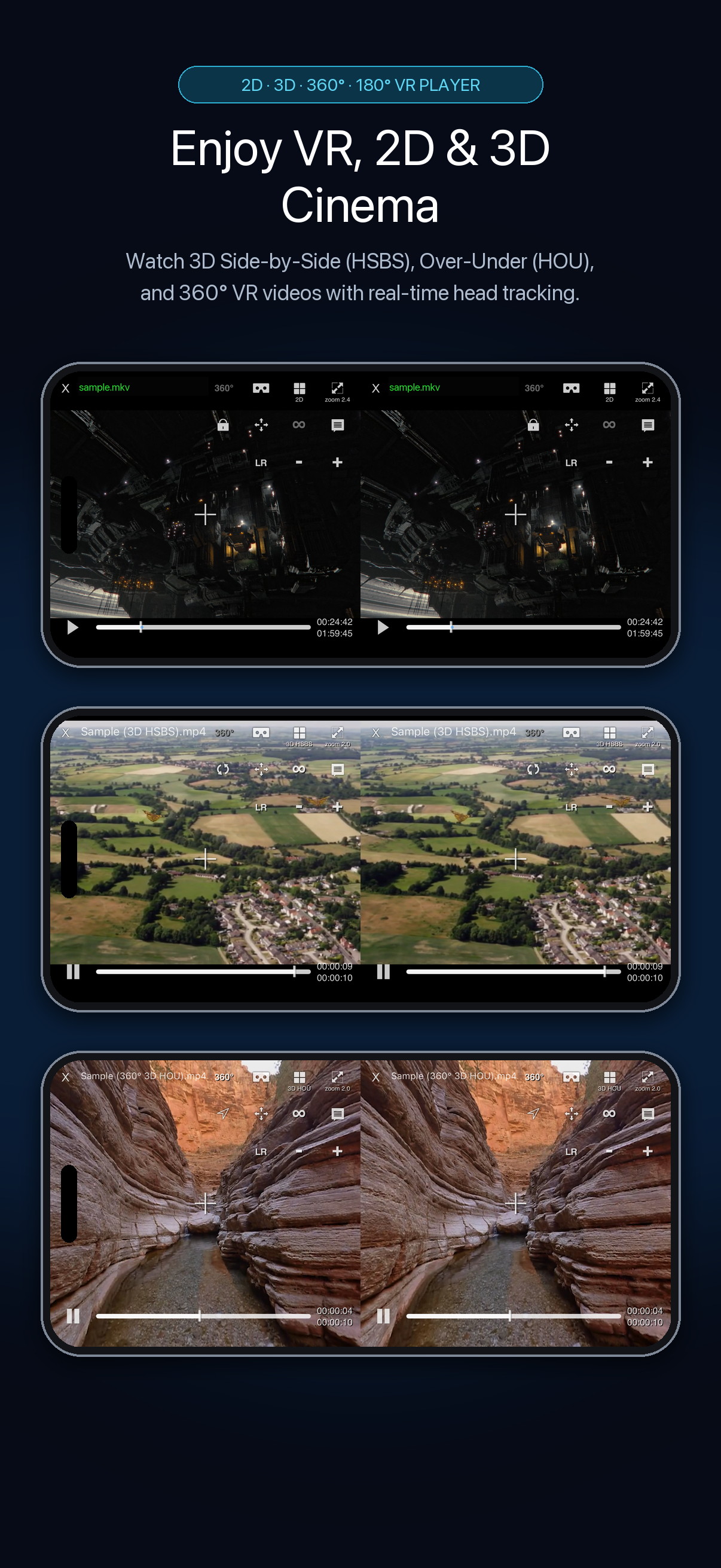
Watch standard 2D movies, 3D Side-by-Side (HSBS) and Over-Under (HOU), and 360° VR videos with real-time head tracking.
Multiple Media Sources
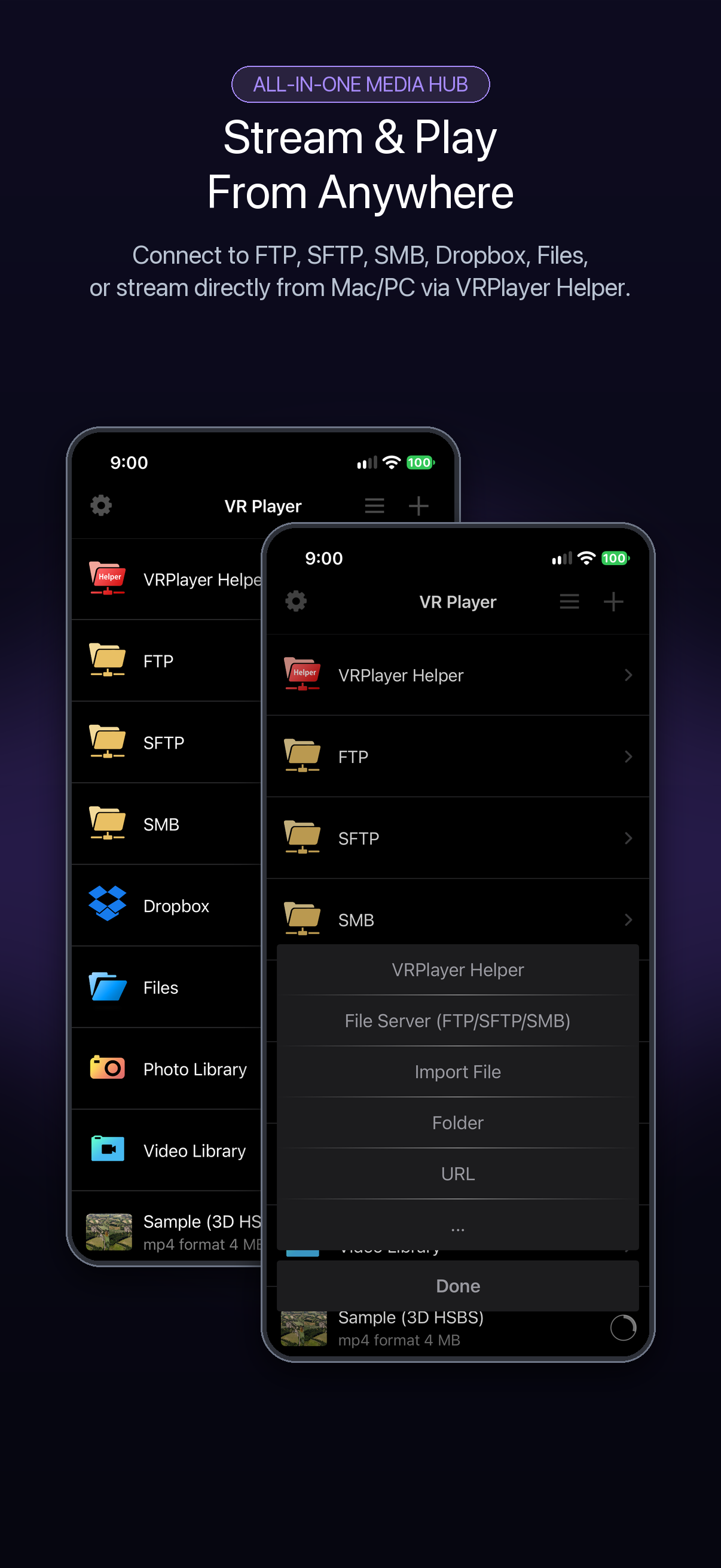
Access VRPlayer Helper, local folders, SMB/SFTP/FTP servers, Dropbox, and your device Video Library.
Direct NAS & Server Browsing
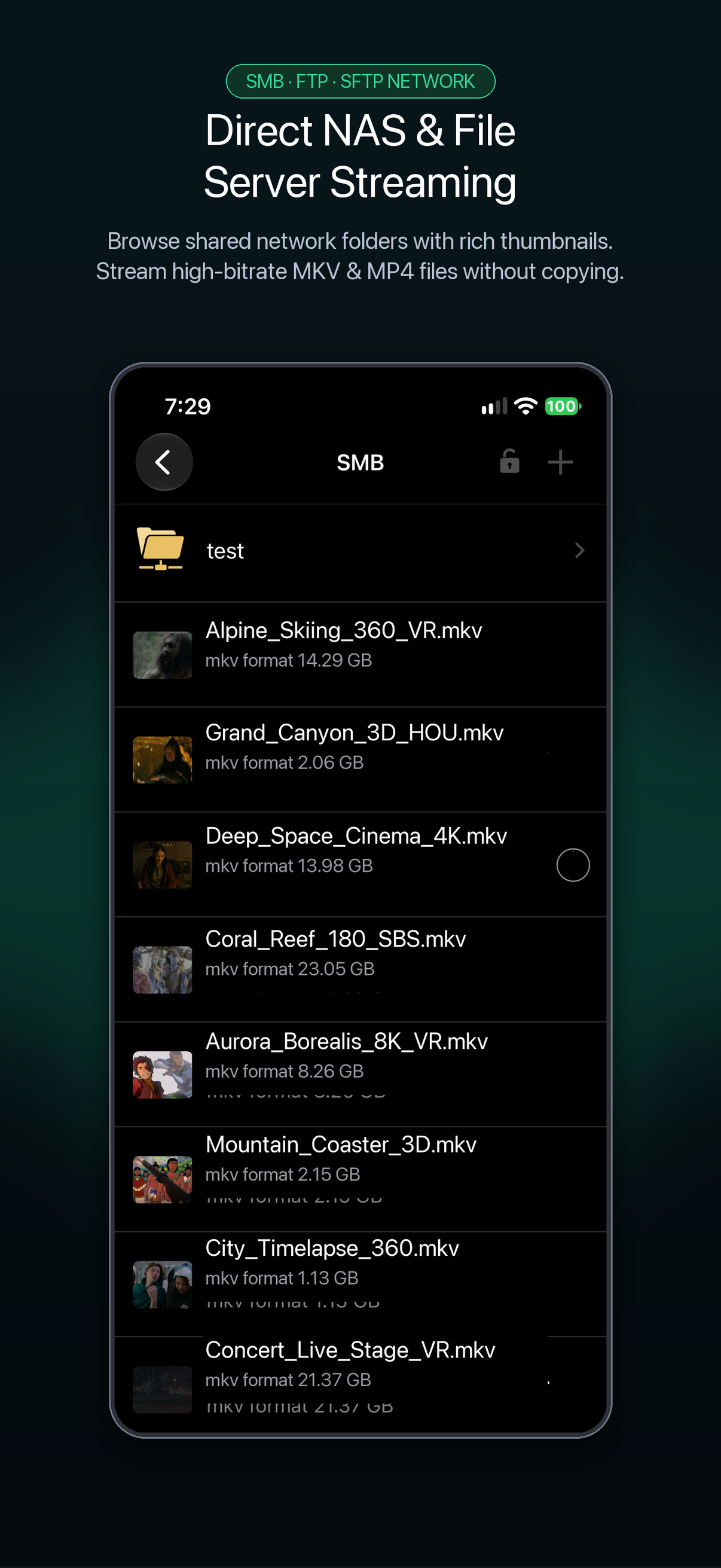
Browse shared folders over SMB, FTP, or SFTP and stream MKV and MP4 files directly without copying.
Real-Time Transcoding Options
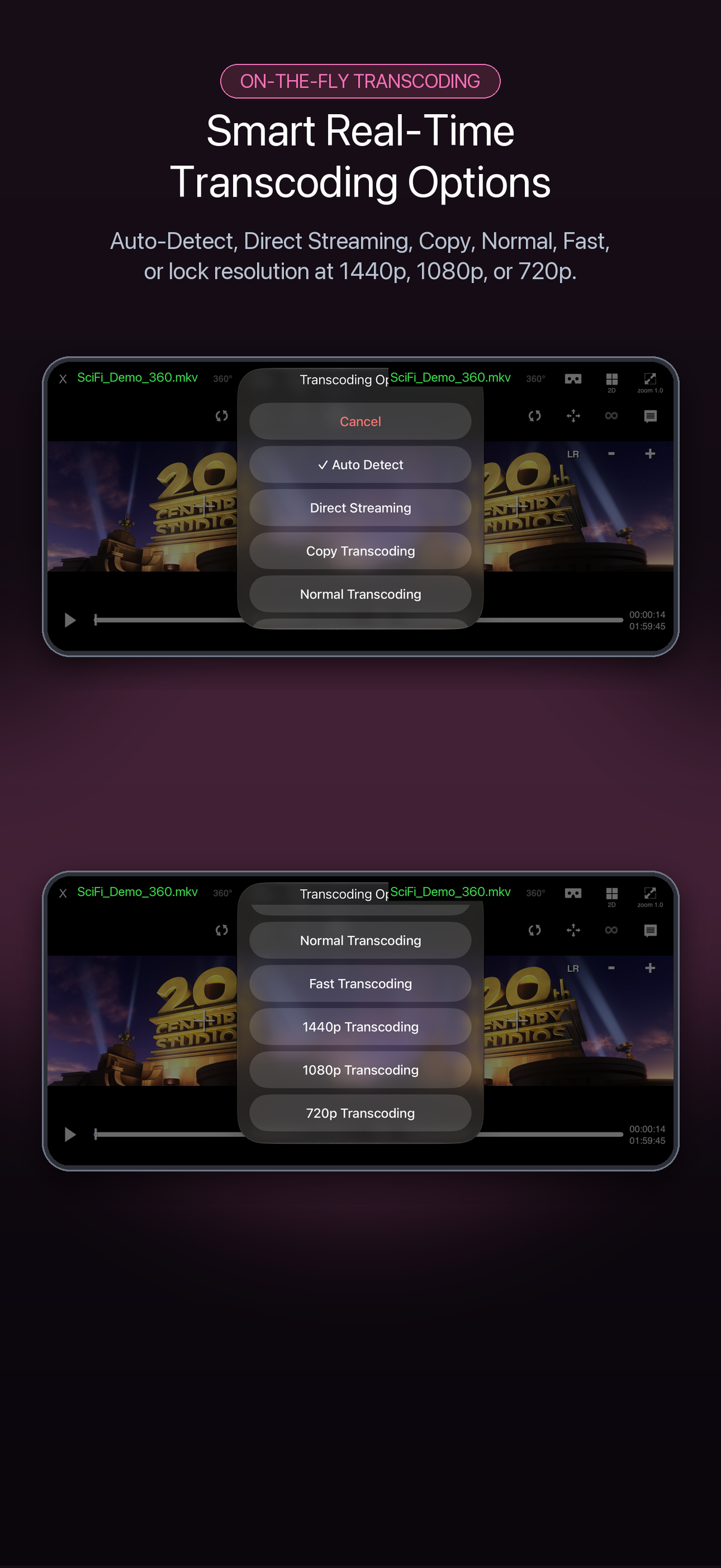
Choose Auto Detect, Direct Streaming, Copy, or 720p/1080p/1440p transcoding via VRPlayer Helper.
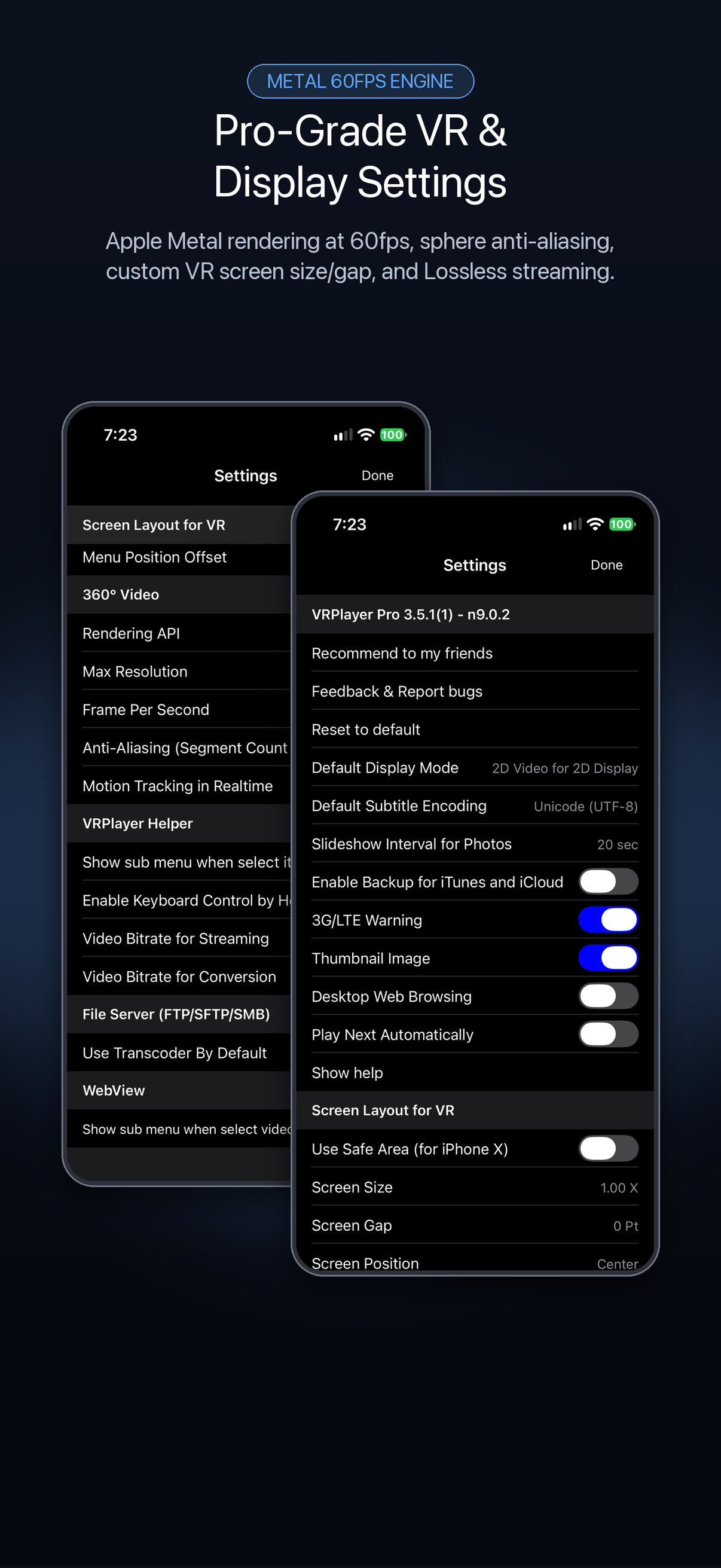
60fps Engine & VR Layout Settings
Fine-tune VR screen size, eye gap, menu offset, sphere anti-aliasing, and Safe Area layout.
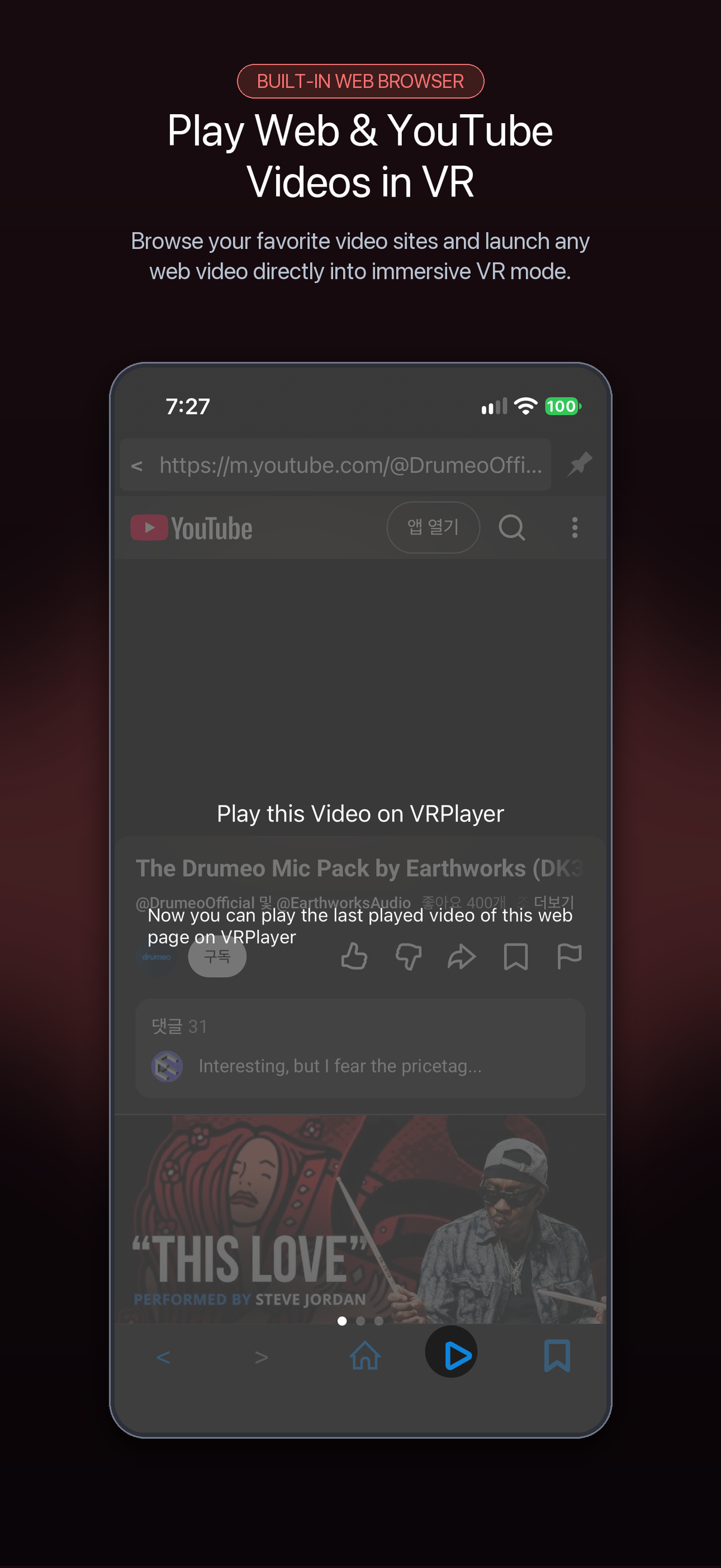
Built-in Web Browser
Browse video sites inside the app and play web videos directly in VR mode.
Supported Formats & Sources
Play local files, panorama photos, or stream from network and cloud storage.
Supported File Formats
- Direct Video Playback: mp4, mov, m4v, mkv, avi, wmv, asf, flv, swf, mpg, 3gp, vob, divix
- Real-Time Streaming (via VRPlayer Helper): mp4, mov, m4v, mkv, avi, wmv, asf, flv, swf, mpg, 3gp, vob, divix
- Subtitles (Direct & Helper): smi, srt (drag to reposition, pinch to resize)
- Panorama Photos: Enjoy your own panorama photos in VR
Items You Can Add or Access
- VRPlayer Helper: Streaming server & desktop screen/audio mirror
- Folder: Local app folders and imported files
- SMB / SFTP / FTP Server: Network shares and NAS drives
- Dropbox: Cloud video storage
- Video Library: Videos stored on your phone or tablet
VRPlayer Helper & Desktop Streaming
Stream PC videos or mirror your desktop screen and audio to VRPlayer.
Desktop Screen & Audio Streaming
VRPlayer can record the screen and audio of your desktop and stream it to VRPlayer via VRPlayer Helper.
- To use this feature, VRPlayer Helper must be installed and running on your desktop.
- Select or add the VRPlayer Helper item inside the VRPlayer app and follow the on-screen instructions first.
How to Download VRPlayer Helper
VRPlayer Helper is embedded inside your VRPlayer app itself—the download URL provided by the app is your own device's local IP address rather than an external web server.
- Make sure your mobile device and server PC are on the same Wi-Fi network.
- Tap the "+" button at the top-right corner of VRPlayer and select VRPlayer Helper.
- Open the local URL displayed on screen from your PC's browser to download and install Helper.
Touch Gestures
Control playback, screen modes, and subtitles directly on screen.
Playback & Screen Gestures
Audio & Subtitle Gestures
Keyboard & Game Controller Controls
Navigate menus and control playback hands-free with a keyboard or gamepad.